SD card fills up and recording stops
Answered
On going problem here. Drive fills up and recording ends. Then I need to format the card to use again. Then previous footage is lost! I would think the camera would over write the oldest footage with the latest?? Kind of useless!!
Couldn't read the SD card on the PC either. What program/viewer is needed for the PC?
-

I understand your concern. Regarding the issue of reformatting the SD card after it is full, it can indeed lead to the loss of previous recorded content. Usually, the device should be able to automatically overwrite old videos to save space. Here are some possible solutions and suggestions:
1. SD card format settings :
Please make sure the SD card format is FAT32, as the device only supports this format. You can use an SD card reader on your computer to format the SD card.
2. SD card recording mode settings :
Please check the recording settings of the device to ensure that the loop recording function is enabled. This allows the device to automatically overwrite old videos when the SD card is full, instead of stopping recording. Go to the device's [Preferences/Settings] - > [SD card recording mode] to adjust the settings.
3. Verify that the SD card is working properly :
Before inserting the device, check the SD card on the computer with an SD card reader to ensure that it can read and write files properly.
4. View SD Card Mid-Length Video :
The SD card recording of the device can only be played using the device or app, and cannot be viewed directly through the computer. If you want to view the video on the computer, please make sure to use a supported browser to access the blurams Client website to watch.
Regarding the problem of not being able to read the SD card on the computer, it is usually due to format mismatch or file corruption. In the gridWhen formatting the SD card, make sure to choose FAT32 format and use an SD card reader to read and write files to test the card's functionality. After reformatting, try inserting the device for recording.
In order to better assist you, please provide the following information: What is your device model? When did the problem you encountered begin to occur? What actions did you take during use?
If you have any other questions or need further assistance, please feel free to let us know. Your opinions are important to us, and we will do our best to assist you in solving the problem.0 -
No play back on another camera.......sd card was showing less than 1/2 full. I rebooted the camera, now says there is a SD card issue. Loss footage again. Trying to locate a missing item in the camera view valued at $144. I had patriot SD cards in all. I have now ordered some sandisk cards too see if its the cards. I removed the drive....quite warm. Maybe the heat is damaging the drive. I tried to repair the drive on the PC. Appears to be bad.
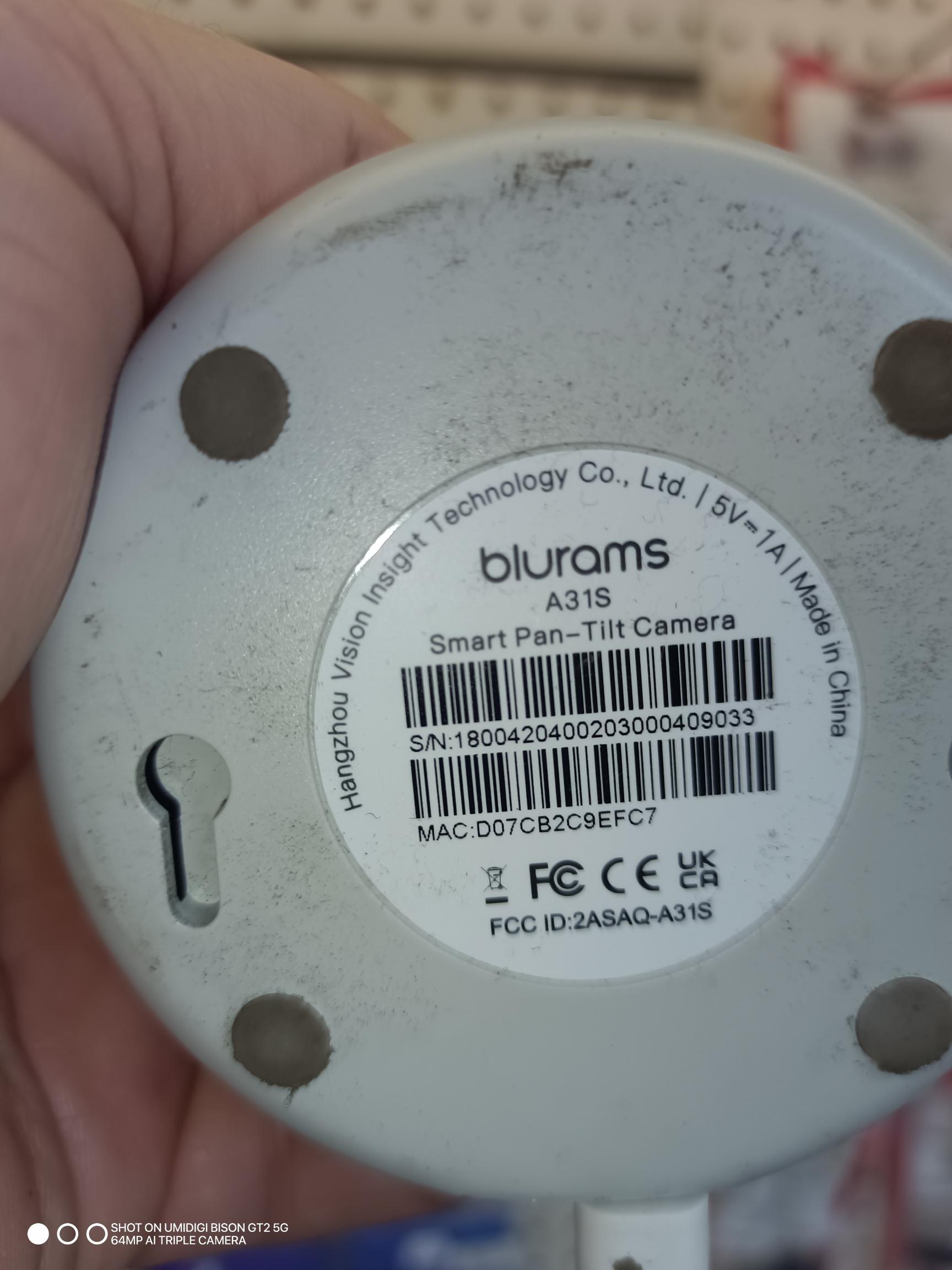 0
0
Please sign in to leave a comment.
Comments
2 comments